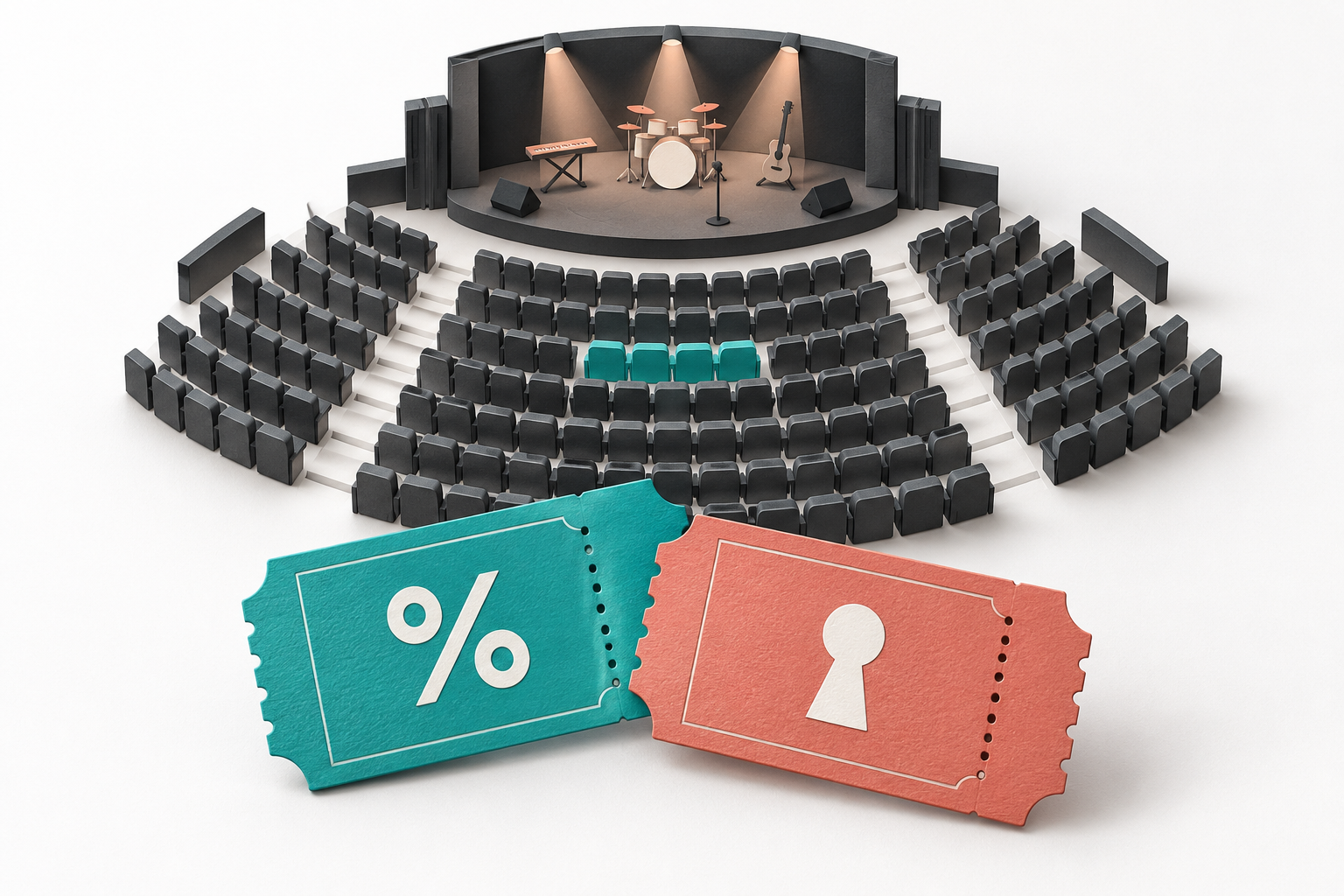
Check a concert promo code before settling on your seats. First establish what the offer provides: a lower price or access to a particular ticket offer. Then match its terms to the event and tickets you want. Looking for a code box after assembling the booking may miss an earlier selection step. This is not a list of live codes; it is a way to assess an offer without buying different seats just to obtain a discount.
Unlocking an offer is not proof of a saving
Ticketmaster's US guide to its interactive seat map describes an offer-specific route: select the relevant ticket type in the filters, then use Unlock and enter a code if prompted. That is one platform's workflow, not a universal checkout instruction. The act of unlocking the offer alone does not establish that its price is lower.
The useful question is therefore not only where to enter the code, but what it opens. If it provides access to a particular set of tickets, assess that set first. Is the location acceptable? Can your group sit together? Does the full price fit your budget? Access and savings meet different needs. Newly visible seats do not, by themselves, prove that you are saving money.
One event can contain tickets with different eligibility
Yandex Tickets lets organizers restrict codes by event, venue, section, price and ticket quantity. Ineligible tickets receive no discount with ticket-level application and can block it with order-level application. These are configuration options, not a verified current promotion.
Take a hypothetical booking, unrelated to a real event: of two tickets in neighboring sections, only one qualifies. A ticket-level offer might benefit that ticket; an order-level offer might reject the combination. Before changing seats, ask the seller which tickets qualify.
For a group outing, agree on the priorities before testing an offer: staying together, keeping a preferred section or meeting an overall budget. Replacing a ticket to qualify changes the purchase itself. A cheaper booking is not necessarily a better one if it separates your group. Decide which alternatives are acceptable first, instead of rebuilding the booking after every unsuccessful attempt.
A personal code is not automatically a public offer
The terms published by Russia's MTS Live and Ticketland restrict sharing and public distribution of issued codes. They also allow support to request evidence of how a code was obtained. A combination found in someone else's message is therefore not proof that you may use it. Keep your own offer email or promotion page, but do not publish personal codes or tickets in an open chat.
Yandex Afisha's promo rules tie the discount to the activation period and the events specified in the offer. Check the relevant seller's terms rather than transferring these rules to every platform. An artist's name is not a complete promotion description. Note the purchase date and attendance date separately if the offer specifies both, and do not assume that a past performance's conditions carry over to a new date.
A short record before selecting and paying
- Identify the benefit: ticket access, a price reduction or something else. Keep those outcomes separate.
- Match the event, date, venue, section and category of each ticket you want against the promotion description.
- For several seats, establish whether eligibility is checked ticket by ticket or for the complete booking, and note quantity limits.
- Keep the source and terms of an offer you are entitled to use. Ask support a specific question about your selected tickets if anything is unclear.
- Before payment, review the seats and final amount due. A lower total for a different section does not demonstrate a discount on the seats you originally chose.
A useful concert offer fits your purchase, not an abstract seating plan. Identify the offer and eligible tickets before judging the price. If the seller has not clarified the conditions for your chosen seats, treat eligibility as unknown rather than buying tickets to test it. A coupon directory cannot replace confirmation from the ticket seller.