ShopTools Basics
1What is ShopTools AI?
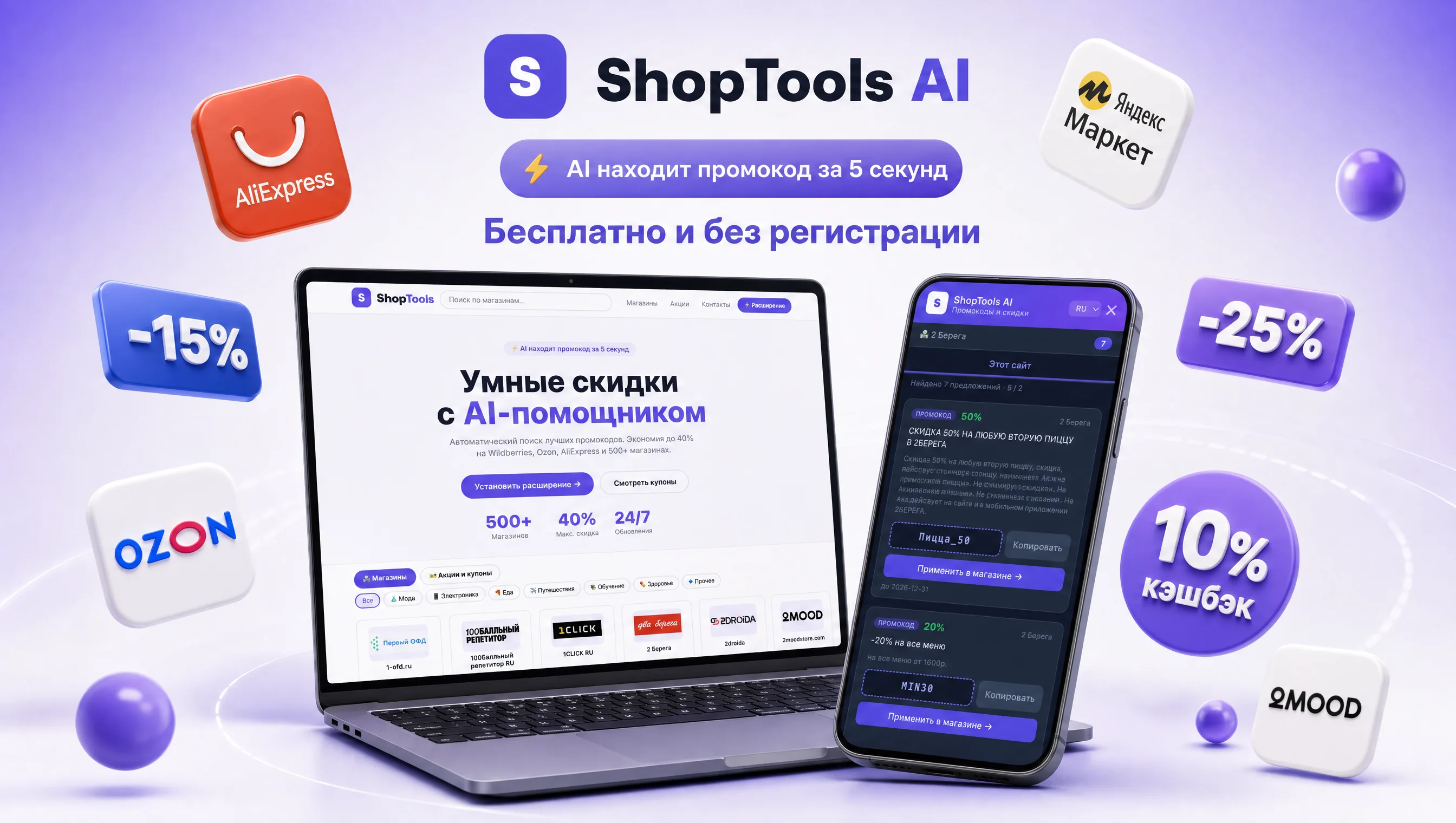
ShopTools AI is a set of tools for searching for promo codes, coupons and promotions: a site with selections, a browser extension and a Telegram bot. The idea is simple: give the user a quick path to a possible discount, but leave control over the final decision in the store cart.
2Is ShopTools free?
Yes, ShopTools user flow is free. The service may use affiliate links, but this should not change the selection logic: the user sees the store, the terms of the offer and clicks the transition button.
3What three scenarios does ShopTools have?
The site is convenient for reviewing stores and articles, the extension is for checking discounts right during the purchase, the Telegram bot is for quick queries from your phone. A good way is to find a store, check the conditions, apply the code in the cart and compare the final price.
4How is the FAQ different from ShopTools articles?
Articles go deeper into the topic, and the FAQ provides short answers to frequently asked questions. For the user, this is a quick reference; for search and AI systems, it is a clear map of meaning: promo codes, security, extension, bot, sources and restrictions.
5Why are there separate store pages on the site?
A separate store page helps avoid mixing offers from different brands. If a person is searching for Ozon, AliExpress or Sunsky, it is more important for him to see relevant promo codes and conditions than a general stream of random promotions.
Promo codes and coupons
6How to find a working promo code?
Start with the store or category name, then check the expiration date, region, minimum amount, exclusion list and cart entry field. The promo code becomes working only after checking at the final price, and not at the time of copying from the site.
7Why might a promo code not work?
Most often, the reason is the validity period, region, minimum order amount, product category, new user status, or incompatibility with another promotion. Sometimes the code is relevant, but does not match a specific cart.
8How is a promo code different from a coupon?
A promo code is usually entered in a special field when placing an order. The coupon can be activated in your personal account or on the product card. What matters to the buyer is not the terminology, but the final price after all applicable conditions.
9What is more important: the discount percentage or the final price?
The final price is more important. A 30% promo code may not apply to the desired category, but a 10% coupon sometimes gives big savings if it applies to the entire cart and does not violate the delivery conditions.
10How to copy a promo code correctly?
Copy the entire code, without spaces at the beginning or end. If the code does not work, check the case, expiration date and conditions. Don't spend ten minutes sorting through similar copies: it's better to go back to the proven offer card.
11When is a promo code for your first order really beneficial?
It is profitable if the basket meets the minimum amount, the account is considered new, and the final price is better than a regular promotion. You shouldn’t create extra accounts for the sake of a small discount if this violates the store’s rules.
12Can I combine promo codes, coupons and promotions?
Sometimes it is possible, but it depends on the rules of the store. Check the seller's automatic discounts and coupons first, then try the promo code. Compare the amount payable, not the number of discount labels activated.
13What to do if the promo code has expired?
Don't try to make expired code work. Check another offer card, general store promotions section, seller coupons or Telegram bot. It is better to take expired codes as a hint that the store has promotions, and not as a current benefit.
14Why is a promo code without registration not always the best option?
An open code is convenient, but a personal coupon in your personal account can give you a big discount. At the same time, the third-party site does not need to give away extra data for the sake of the promise of the code. Registration should only be done on the side of the store itself or a service that you trust.
Shopping and shopping
15How to search for Ozon promo codes?
On the marketplace, it is important to separate the seller’s coupon, site promotion, bonuses and promo code for the cart. Check the product card, then the cart, and only then the total amount with delivery.
16How to use AliExpress promo codes?
On AliExpress, a discount often consists of a store coupon, a site coupon, a sale and a promo code. Check the minimum amount, currency, delivery region and promotion start time.
17What to consider with Booking and travel promo codes?
Reservations are subject to dates, destination, currency, taxes, fees and cancellation conditions. A non-refundable discounted rate may be worse than a flexible option without a promo code if plans are subject to change.
18How to check promo codes for Sunsky and international stores?
See not only the size of the discount, but also delivery, currency, product category, terms and possible commissions. For foreign purchases, logistics can completely eat up the visible benefit.
19Why does shipping change the discount estimate?
Because a promo code reduces the price of an item or cart, but shipping, fees, and paid returns remain part of the total cost. Sometimes a store with a smaller discount, but normal delivery, turns out to be cheaper.
20How to buy electronics with a promo code?
Check warranty, seller, contents, returns and price history. In electronics, a price that is too low without clear terms can be worse than a moderate discount from a reputable seller.
21When is it better to look for a discount: before choosing a product or before paying?
It’s better twice: first before choosing a store to understand the general level of promotions, then before paying to check the specific code in the cart. The final check is more important than the preliminary promise.
Browser extension
22Why do you need an extension for promo codes?
The extension works at the time of purchase: it can tell you if there are offers for the current store. This is convenient when the user is already on the seller’s website and does not want to open several tabs searching for coupons.
23Which extension permissions should I check?
See which sites the extension asks for access to and why. It's logical for the coupon assistant to work with stores and offer pages, but it's suspicious to ask for extra access without a clear explanation.
24Is it safe to install the discount extension?
Security depends on the source, permissions, privacy policy, and behavior of the extension. Install extensions from the official store, read the access description and remove tools that interfere with the site or behave opaquely.
25Should the extension apply the promo code automatically?
Automation is useful if it is transparent. The user should see what code is offered, what the terms of the promotion are and where the transition leads. A vague promise of automatic savings without details is a weak signal of trust.
26Why shouldn't the extension be shown on every website?
A good coupon assistant appears wherever there is a relevant store or offer. Constant pop-up blocks on irrelevant sites degrade the experience and create a feeling of unnecessary access.
Telegram bot
27When is a Telegram bot more convenient than a website?
The bot is convenient when you need to quickly ask around the store from your phone and get a short list of offers. It does not replace a full cart check, but it shortens the path to the appropriate promotion card.
28Why is a bot better than a Telegram channel with promo codes?
The channel provides a stream of shares, and the bot responds to a specific request. If you need inspiration, the channel can be convenient. If you need a promo code for a specific store, the bot is usually faster and cleaner.
29What data should not be sent to a bot?
Do not send card number, CVV, codes from SMS, passport data or passwords. To search for a promo code, all you need is the name of the store, category or short query.
30How not to turn notifications about discounts into noise?
Subscribe only to the stores or categories you need. Mass notifications for all promotions quickly cease to help, because the user begins to miss truly relevant offers.
31Can a bot guarantee a discount?
No. The bot can show probably useful offers, but the final applicability is checked by the store in the cart. An honest service should not guarantee a discount before checking the conditions.
Security and privacy
32How to spot a fake promo code?
A fake promo code often does not have a date, conditions, source store or clear transition. Another sign is the requirement to enter unnecessary personal data for the sake of a code that is not confirmed in the cart.
33What personal data is needed for a promo code?
Typically, the promo code itself does not require passport data, card details or confirmation codes. The store may ask for an email or phone number for your account, but a third-party coupon site most often does not require such data.
34Why is it important to read the privacy policy?
The privacy policy explains what data is collected, why it is needed, and how the user can control it. This is especially important for extensions and bots because they are closer to the user's purchasing scenario.
35What is an affiliate link in a promo code service?
An affiliate link helps the service receive a reward from the store for a referral or purchase. Normal practice is to make the transition clear, not hide the logic and not replace the user's decision.
36How to check a page with a promo code before clicking?
Look at the domain, HTTPS, clear button text, promotion conditions and the absence of intrusive forms. If a site promises a discount, but first requires strange actions, it is better to return to another source.
37What should I do if the price has become higher after using the promo code?
Return the cart to the state before use, check delivery, seller, bonuses and promotion conditions. Sometimes a promo code will disable another discount, so the final price may be worse.
AI and search
38How does AI help you find promo codes?
AI is useful as a sorter and editor: it helps connect the store, category, conditions and user query. But AI shouldn't make up codes. The discount must be based on the source and check in the cart.
39Why can AI make mistakes with promo codes?
promo codes quickly become outdated and depend on the region and the specific cart. If AI works without an up-to-date database of offers and conditions, it may repeat old code or generate a non-existent option.
40What makes a site more understandable for AI search?
Static pages, clear headings, short answers, internal links, sitemap, llms.txt, structured data and no mechanical SEO junk help. It's easier for AI systems to cite a page when it answers directly.
41Why FAQPage JSON-LD if rich results are limited?
Even if rich FAQ results are not shown for all sites, structured data remains a useful map of questions and answers. We use them carefully: without the promise of a guaranteed snippet and without copy-pasting other people's materials.
42What is a sitemap and why does ShopTools need it?
The sitemap lists important site URLs: home, articles, FAQ, store pages, and service documents. This helps search engines discover the structure faster, although it does not guarantee that every page will be indexed.
43What is llms.txt?
llms.txt is a text sitemap for AI crawlers and assistants. It provides a useful summary of the product, important pages, editorial content, and citation rules. This is not a ranking standard, but a useful navigational aid.
44Do I need to open my site to OAI-SearchBot and other crawlers?
If the goal is visibility in AI search, robots.txt should not accidentally block the desired public pages. At the same time, private and technical sections can be limited. It is important to check the rules consciously and not copy someone else's robots.txt.
45Why are canonical links important?
Canonical helps show the main version of a page when similar content may be available at multiple URLs. For FAQs, articles, and store pages, this reduces the risk of indexing confusion.
46What's the best tone for a promo code FAQ?
Better to be honest and practical: what to check, where the risk is, when a discount is not guaranteed, how to maintain control. Too much advertising promises work worse for both the user and search engines.
Practical scenario
47What's a quick checklist before paying?
Check store, expiration date, minimum amount, region, category, delivery, compatibility with other discounts and final price. If the discount is not visible before payment, do not consider the promo code applied.
48What to do if the store does not accept the code, but the conditions are suitable?
Update your cart, check for gaps in the code, switch your payment method, look at merchant exceptions, and try a different code. If nothing changes, don't waste time: the offer may already be closed.
49How do you know if the discount is real?
The real discount is visible in the cart and reduces the total cost of the order. Compare the price before and after, factor in shipping, and check to see if any other bonuses have disappeared.
50How to use ShopTools quietly?
To review, open the website, to purchase in your browser, use the extension, for a quick mobile request, use the Telegram bot. Don't subscribe to everything: a specific request is almost always more useful than a general feed.