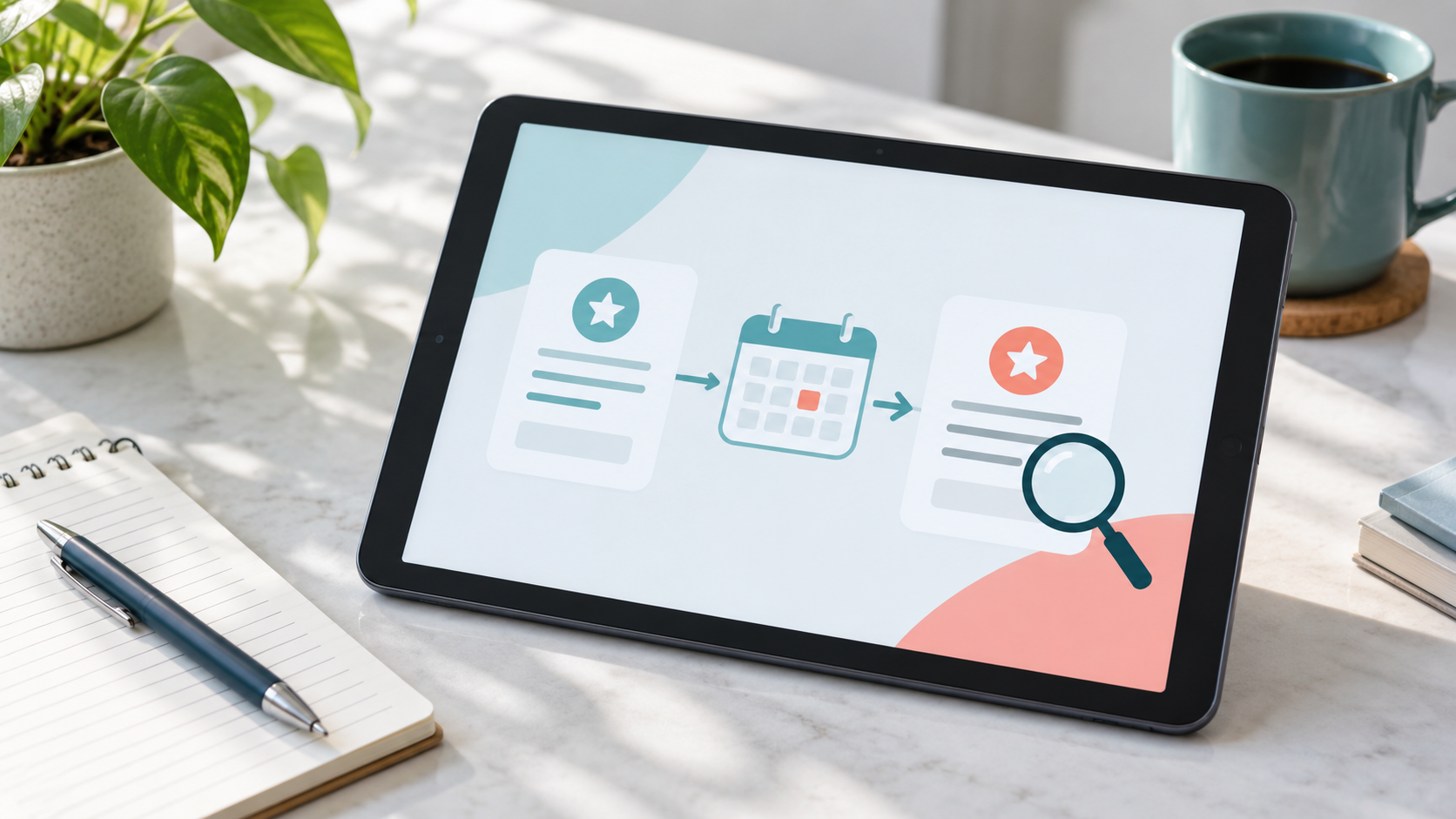
A subscription promo code can lower the first charge. What matters is whether the following charge still fits your budget. The code alone cannot answer that question: the plan terms and the final confirmation screen must show what you pay now, what happens when the offer ends, and when. If those details are hard to find, pause and ask the seller before subscribing.
A subscription is not a one-off purchase; access may renew on a billing schedule. Google Play's subscription promo codes provide a free trial that automatically renews afterwards and requires a valid payment method. Its prepaid plans, which expire without automatic renewal, are a different mechanism, not an exception for those codes. Apple lets developers make some free code offers non-renewing. Read the terms for the actual plan instead of assuming that every code behaves alike.
Where to look and whether the offer applies
There is no single code that works across all subscription services. Start with the provider's own offer page or the app's promotions area, where you can check the eligible plan, account conditions and end date. A discount listing can point you towards an offer, but seeing a code there does not prove it still works. Do not count a code found through search as a saving until the seller shows the benefit in your own final checkout total.
Start with the code issuer's rules. Look for the expiry date, country and currency, eligible plan, account requirements, number of discounted periods and whether the offer can be combined with a trial. Apple says app developers choose eligibility, territory, duration and renewal behaviour for their offer codes. Only a free Apple code offer can be set not to renew automatically. A screenshot of someone else's cheap first period therefore cannot establish the price for your account.
For a Google Play app subscription, the redemption route depends on the code type. A one-time code can be used in the app or Play Store; a reusable custom code can only be redeemed inside the app. In-app checkout exposes Redeem through the payment-method menu. Google's help tells buyers to confirm that the promotion appears in the basket before tapping Subscribe. A website, App Store purchase or mobile-carrier plan may use a different route; follow the actual seller's instructions and do not give payment details to an unrelated code-checking site.
Compare two charges, not one headline price
Before confirming, note four things: today's charge; the price and billing interval after the offer; the first ordinary renewal date; and the company that will bill you. For an annual plan, compare annual totals rather than only the advertised monthly equivalent. A free trial also needs to be compared with its later full price. If a banner omits the billing interval, find the full terms before paying.
A message saying a code was accepted is not the same as a confirmed discount. Before paying, recheck the plan, first charge and future price in the terms and on the final payment screen. If something differs from what you expected, stop before completing checkout and ask the provider to explain it. Afterwards, the receipt helps confirm the charge already made; check the plan terms and subscription-management screen for the next price and date. Keep the offer terms and dated confirmation. If you discover an error after paying, contact the party that billed you.
Find the right cancellation route
For a Google Play-billed subscription, use the Google Account that purchased it. Google warns that uninstalling the app does not cancel the subscription. For an Apple-billed purchase, manage it through Apple's subscription settings; if you cannot find an Apple receipt, Apple advises identifying the actual billing company and contacting it. A direct subscription may instead be managed on the seller's own site. The billing party, not the device logo, determines where to start.
Check the cancellation deadline under your particular provider's and country's terms before the first full-price charge. Do not assume cancellation automatically refunds a period already paid for: access and refund rules vary by plan. Save the cancellation confirmation if you decide not to renew.
ShopTools can display available offers and, on supported retailer checkouts, lets you start a test of codes in an open shopping cart. That checks the retailer's displayed order amount; it does not verify recurring billing in Google Play, the App Store or a direct subscription, and it cannot cancel future charges. Some ShopTools visits use affiliate links; any commission to the service is not automatically a customer discount or cashback.
The useful test is simple: know the first and next charges, the changeover date and the cancellation route before using the code. A valid code does not make unclear subscription terms a good deal.
Related reading
Sources
- https://support.google.com/googleplay/answer/2476088?hl=en-GB
- https://support.google.com/googleplay/answer/7018481
- https://developer.android.com/google/play/billing/promo
- https://developer.apple.com/help/app-store-connect/manage-subscriptions/set-up-subscription-offer-codes
- https://support.apple.com/en-us/118428
- https://support.google.com/googleplay/android-developer/answer/9900533?hl=en