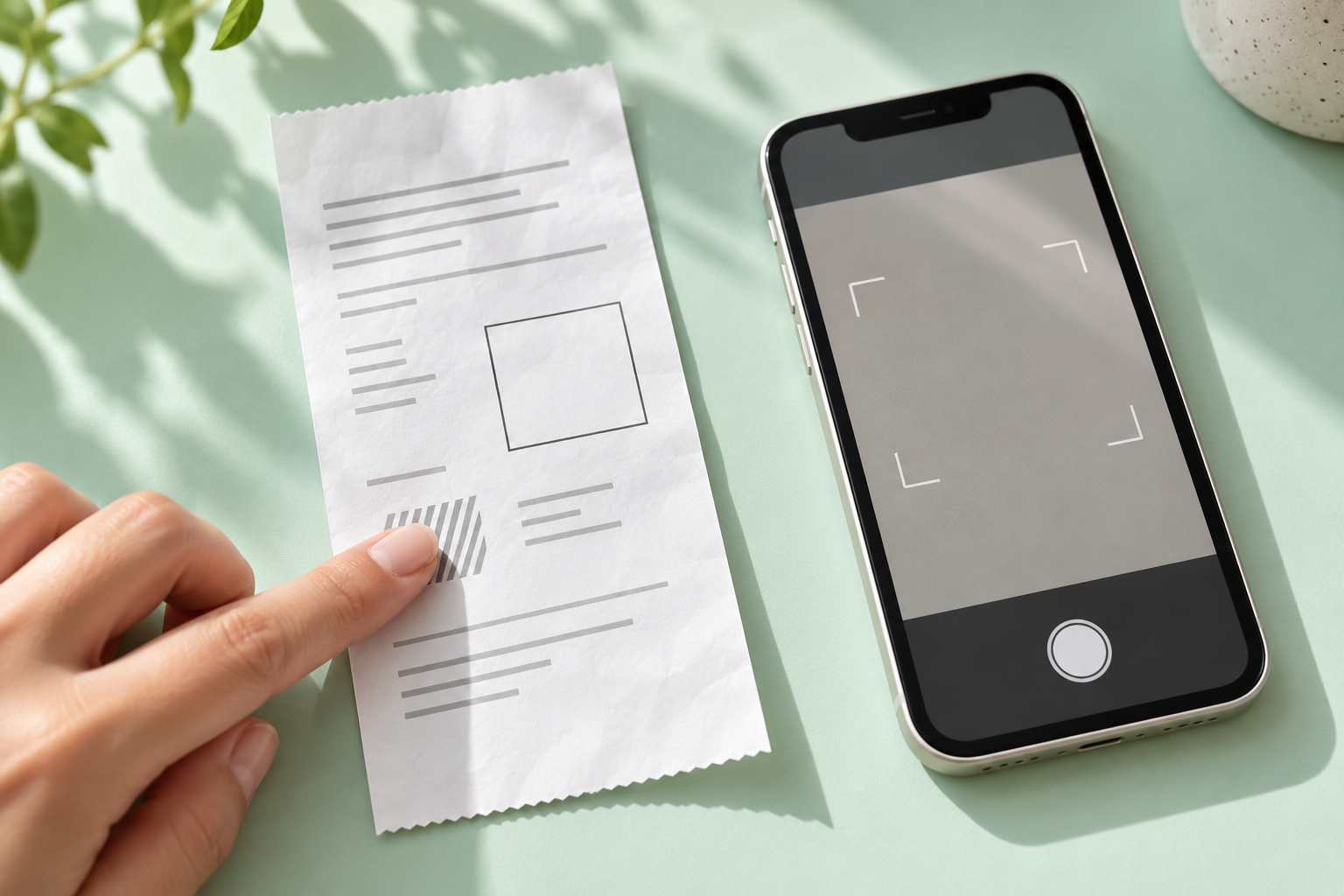
Receipt-based cashback is not a reason to scan any square code you see. First identify what the scanner is meant to do: submit a receipt for a reward, check a purchase receipt for tax records or prepare a payment. This guide concerns Russian receipt services, not a bank card's purchase rewards.
Edadil asks for the receipt's QR code
Edadil's instructions start with choosing an eligible item and reading the offer's conditions, then submitting your own receipt through its QR code. Scanning does not replace the offer's requirements.
Its help page describes a specific error: another barcode on the receipt is recognized as a loyalty card. It advises covering the interfering area while leaving the QR visible. Photo submission and manual entry are listed as alternatives. Keep the complete receipt or a photo. Submission for review is not a payout.
A payment scanner has a different purpose
The official FAQ for Russia's Faster Payments System, known locally as SBP, says its payment QR contains payment information: the recipient's bank details, amount and purpose. That is not a description of a purchase being submitted for a reward.
Our practical check is to read the operation shown on screen before scanning. If a transfer confirmation appears instead of receipt submission, stop. Do not confirm a payment merely because the camera recognized a square code. Its shape alone does not tell you what it is for.
A tax-service check is not a cashback claim
Russia's Federal Tax Service (FNS) describes checking purchase receipts for tax records using a QR code or manual entry. Its form labels include ФН (FN, fiscal storage unit number), ФД (FD, fiscal document number) and ФП (FP, fiscal sign value), alongside date, time, amount and receipt type. These are explanatory English glosses of the Russian labels. They identify receipt details, not a payment instruction.
This is document verification by the tax service, not a submission to a reward provider. Our conclusion: verifying a purchase receipt still does not establish whether the purchase qualifies for a particular promotion. That decision belongs to the service handling the receipt claim.
Three checks before you submit
- Can you identify the service that will receive the receipt?
- Does the operation on screen match your intention, with no unexpected payment?
- Can you distinguish code recognition, a tax-service receipt check and a reward decision?
We read the public instructions on 28 October 2026. We did not scan or submit receipts, test accounts or verify payouts. This article does not present a ShopTools receipt-submission or payout mechanism.