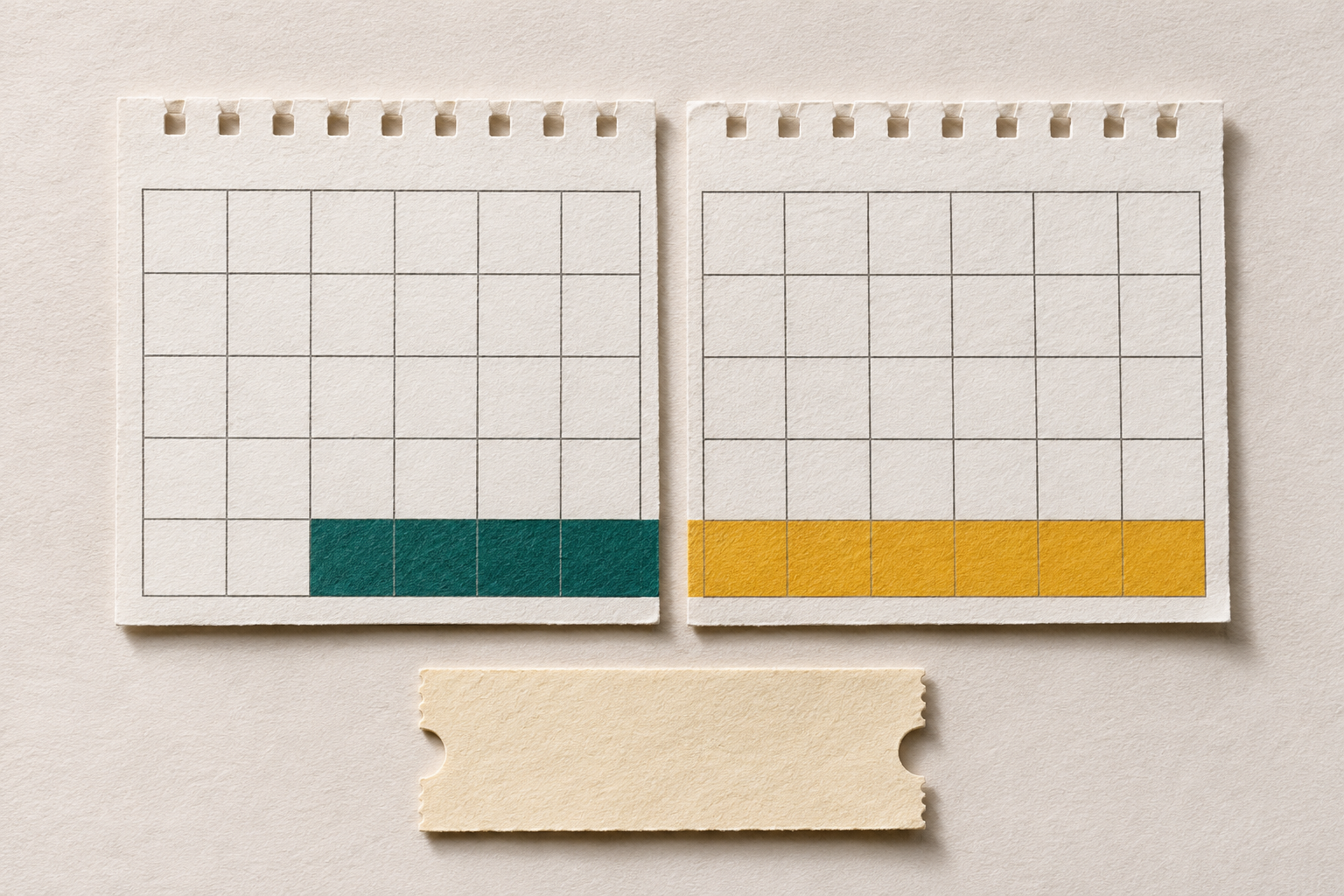
You have 12 days left on a subscription and a code that offers 30 more. That gives you 42 days without a break if you keep all 12 days and the new 30 start as soon as those end. The word renewal does not tell you whether that will happen. These are made-up numbers; check the dates and what happens to paid time before redeeming.
Adding time is not the same as changing plans
A discount code may lower the price of the next renewal without giving you extra days when you enter it. A code that grants a period of access serves a different purpose. Microsoft explains that an eligible product key can extend the same Microsoft 365 subscription. Once renewal is complete, the service shows the new expiry date. A product key is not a discount voucher.
Microsoft describes an upgrade to a home plan with more features under the same account. The remaining time is converted into days on the new plan, and you may be credited with fewer days than you had left. If another provider manages your subscription, check the switch terms with that provider instead.
The new period may start later
Yandex's help for YaOS devices gives a Russian example. For the code scenario it describes, if Yandex Plus is already active, the period granted by the code starts only after the existing subscription is switched off and the paid term has ended. That is not a general instruction to cancel. Check your offer's terms: the deadline for redeeming a code is not necessarily the date access starts.
Check the timeline before confirming
- In your account, find your current plan, when paid access ends and who bills you.
- Check whether the code is valid for an active subscription, when it expires and which plan it covers.
- If the code adds time to the same plan, check the revised expiry date. If it opens a separate period, find out when that period starts. If you are changing plans, check when the switch takes effect and how much time the provider will credit for your unused days.
If the dates or the amount of time to be credited are unclear before confirmation, don't cancel by guesswork. Ask support when the code period would start and what would happen to the unused days on your current plan. Identify the offer without posting the code itself in a public chat.
ShopTools' offer search cannot see your remaining subscription days or confirm a renewal. We read the official help pages on 12 November 2026. No codes, subscriptions or payments were tested.