ShopTools AI lets a shopper start a test of available coupons on a supported cart page and compares the displayed total. This flow provides a useful setting for designing an interface that explains actions rather than promising outcomes.
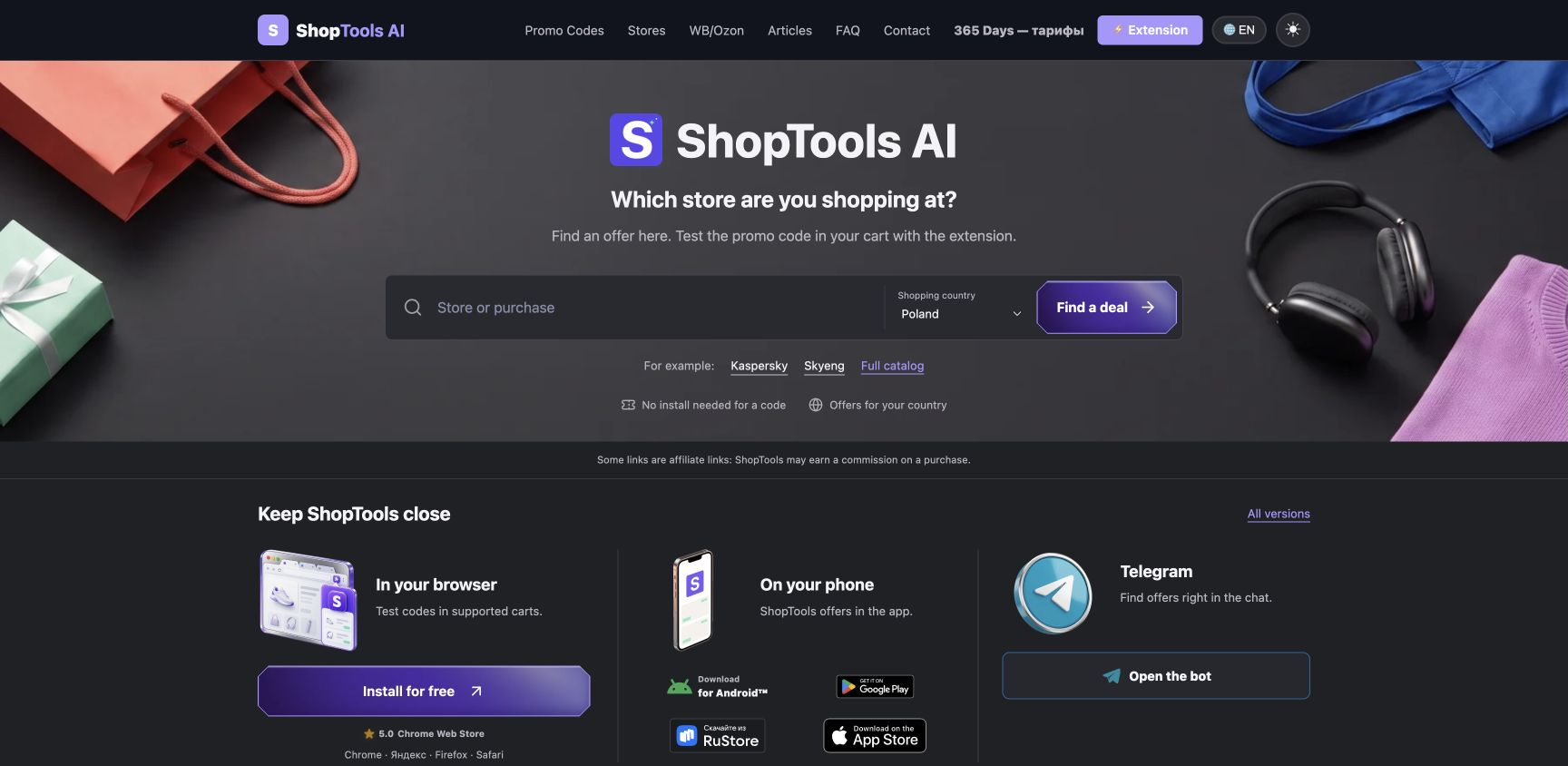
The following is a design framework for a product team. A complete cart-change history and the ways of presenting it are proposals, not claims about shipped ShopTools features. Treat them as requirements for a prototype and its evaluation.
One process, with verbs that describe actions
Separate finding candidates, submitting a code and measuring a result. A button should name its action, not the hoped-for outcome. Do not label an affiliate visit as applying a discount or make several status surfaces compete for attention.
Give the popup and page panel one source of operation state. Reopening a popup should read the existing operation, not start another. The website, catalog and installation flow are separate tasks, not mandatory steps before every test.
Show the limit and what the process is waiting for
Design a bounded queue: each attempt may change the cart, replace a promotion and require recalculation. Useful progress identifies the stage and attempt count. An animated indicator cannot explain which response the system is waiting for.
The reviewed ShopTools code can compare up to ten available codes. That is not evidence of an ideal count for every retailer. In your own prototype, specify early stopping conditions for an unstable cart or a state that cannot be restored.
Keep negative outcomes distinct
- No candidates: offer a way to check the store or country rather than reporting an application failure.
- No field or reliable total: explain that the code could not be tested on this page.
- Code rejected: report the response without inventing a reason the store did not provide.
- Accepted without a measured decrease: distinguish acceptance from savings and ask the shopper to inspect the total.
- Restoration failed: stop automatic changes and identify what requires a manual check.
A proposed receipt for cart changes
A prototype could offer an expandable summary of the starting total, attempts, store responses, final total and remaining uncertainty. Keep it short enough for checkout. A green status must not conceal missing evidence.
Such a receipt describes an observed state, not a future payment. Delivery, taxes or cart contents can change later. Do not display a fictional attempt history if the application never recorded those events.
Remove shortcuts when the match is ambiguous
For a product-page shortcut, require a known product context, a code and a safe destination. If several SKUs remain plausible, offer a choice or the regular store view. The first ranked result is not necessarily a uniquely valid match.
Keep the affiliate visit an optional choice after a verified extension result. An already applied code does not require that visit. Help, review requests and other secondary actions should not obstruct completion of the order.
Test comprehension, not just clicks
In test tasks, ask participants to explain the current stage, stop the process, handle a reload and distinguish code acceptance from a lower total. Gather those findings by observation; a polished mockup is not usability evidence.
Use crowded entry screens, misleading verbs and clicks without an understood outcome as design-review counterexamples. They do not establish that any change has already improved ShopTools conversion rates or user trust.
By the ShopTools AI editorial team.
Some ShopTools links are affiliate links. ShopTools may earn a commission on a qualifying purchase confirmed by the retailer; a click alone does not guarantee a commission.
Prepared with AI assistance. Product descriptions were checked against ShopTools code and interface; this is not a report of tests at every store.